4 New Google Maps Features That Make Driving Safer and Easier


 |
| Google Maps Just Got Smarter |
In recent updates, Google Maps has introduced a set of powerful new features designed to make driving simpler, safer, and less stressful. By combining AI, real-time data, and more intuitive visuals, the app is evolving from a basic navigation tool into a smarter driving assistant. Here are four key upgrades every driver should know.
1. Immersive Navigation for Real-World Clarity
One of the most significant improvements is immersive navigation. Instead of relying on flat maps, drivers can now view routes in detailed 3D, complete with buildings, intersections, and road layouts that closely resemble real life.
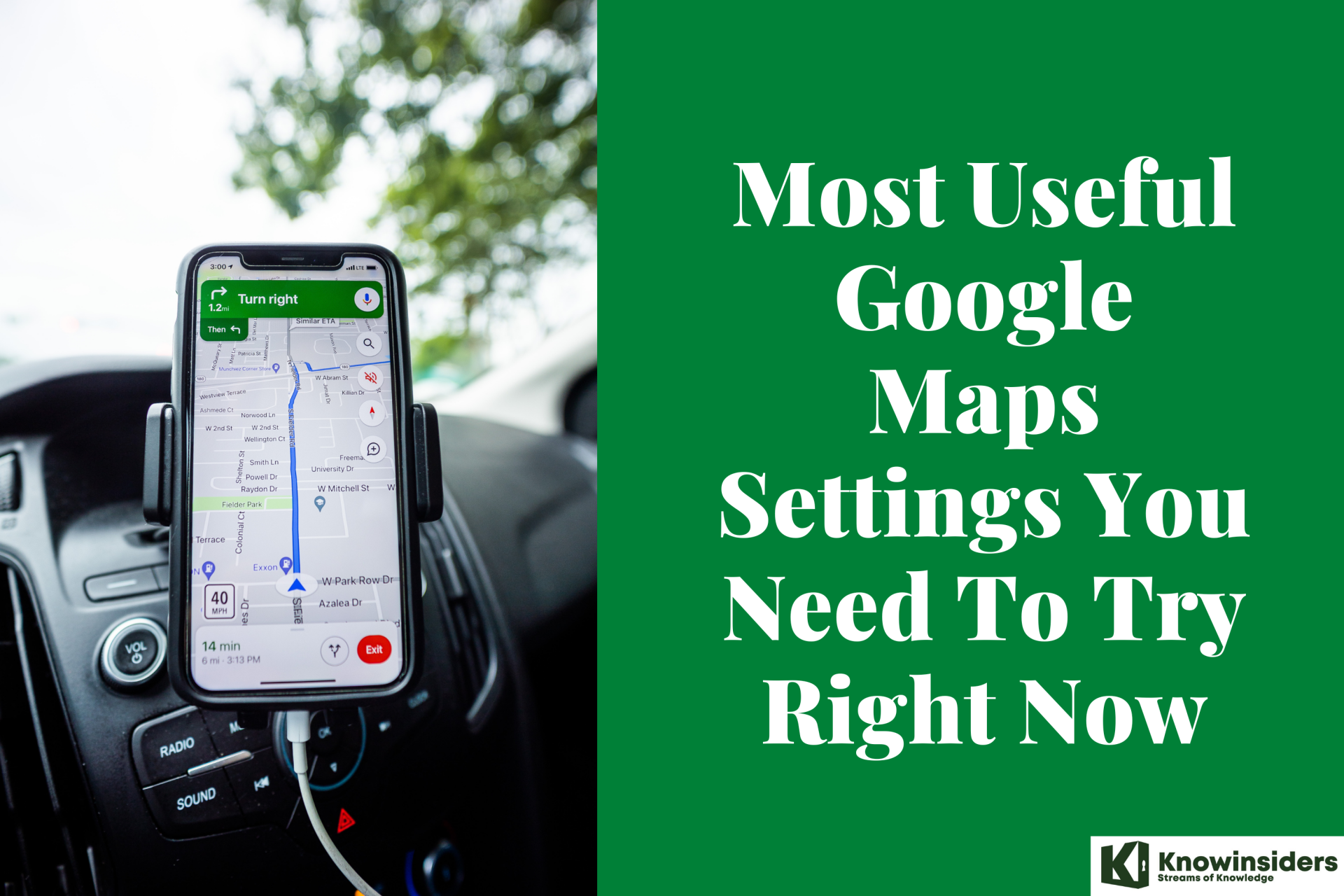
This feature automatically adjusts your view as you approach complex areas like highway interchanges or busy city junctions. It helps you anticipate turns, exits, and lane changes before you get there. For drivers in unfamiliar areas, this reduces confusion and last-minute decisions.
2. AI-Powered “Ask Maps” Assistance
Google has integrated its Gemini AI into Maps, allowing users to interact with the app in a more natural way. With the new “Ask Maps” feature, you can simply ask questions like:
-
“What’s the fastest route right now?”
-
“Where can I park nearby?”
-
“Is there a less crowded way to get there?”
The app responds with personalized suggestions based on live traffic data, historical trends, and location context. This reduces the need to manually search and compare routes while driving.
3. Smarter Lane Guidance
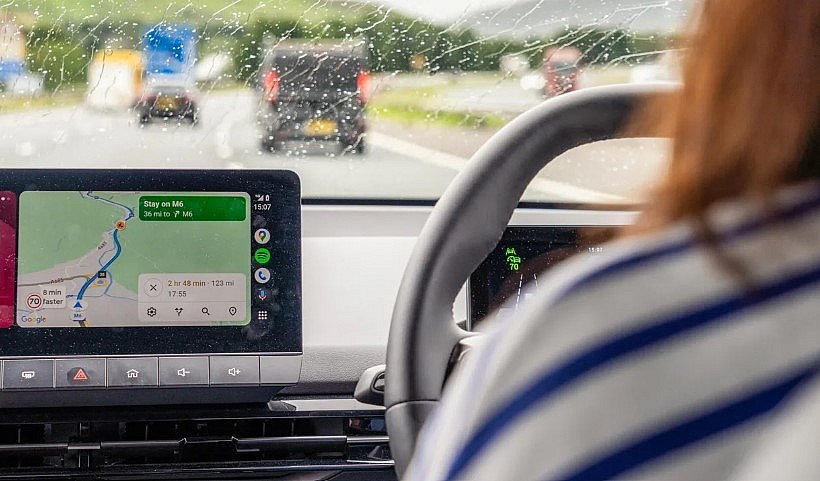
Lane-level navigation has also been upgraded to be more precise and helpful. Google Maps now clearly shows which lane you should be in well before an upcoming turn or exit.
In some cases, the system can even use vehicle data and real-time inputs to improve accuracy. This is especially useful on highways or multi-lane roads where missing an exit can cost time and cause stress.
By guiding drivers earlier and more clearly, this feature helps prevent sudden lane changes and improves overall safety.
4. More Natural Voice Directions
Voice navigation has become more intuitive and easier to follow. Instead of generic instructions like “turn right in 200 meters,” the app now incorporates real-world landmarks.
For example, it might say “turn right after the gas station” or “keep left at the bridge.” These contextual cues are easier to understand, especially in busy environments where distance-based instructions can be hard to judge.
The voice system also updates dynamically with traffic changes, helping drivers adjust routes without distraction.
Final Thoughts
These updates show a clear direction for Google Maps: less manual interaction, more intelligent guidance. With immersive visuals, AI assistance, improved lane guidance, and clearer voice directions, driving becomes more predictable and less stressful.
For everyday commuters and road trip travelers alike, these features make a noticeable difference. Google Maps is no longer just telling you where to go. It’s helping you understand the road ahead.