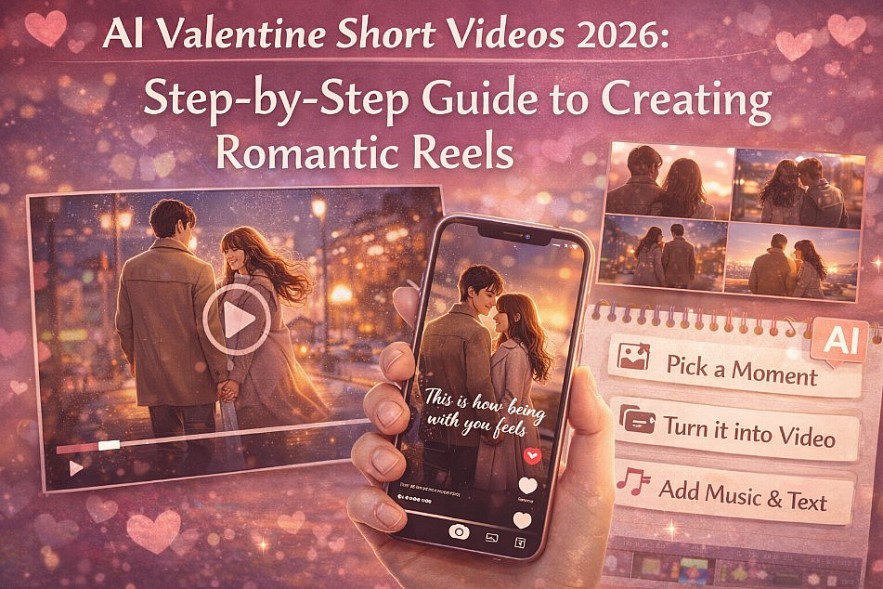
AI Valentine Short Videos 2026: A Step-by-Step Guide to Creating Romantic Reels

 |
| How to create Valentine short videos with AI |
Valentine’s Day videos used to be complicated. You needed editing skills, time, and confidence on camera.
In 2026, that barrier is gone.
With AI tools, anyone can create a 10–30 second romantic video that feels intentional, emotional, and made for sharing. These videos aren’t meant to replace letters or gifts. They work best as emotional amplifiers—something you send, post, or keep alongside a message.
This guide is built for action. By the end, you’ll know:
-
What type of Valentine short video fits your situation
-
Which AI tool to use (and why)
-
A simple workflow you can finish in under 20 minutes
-
How to avoid videos that feel generic or awkward
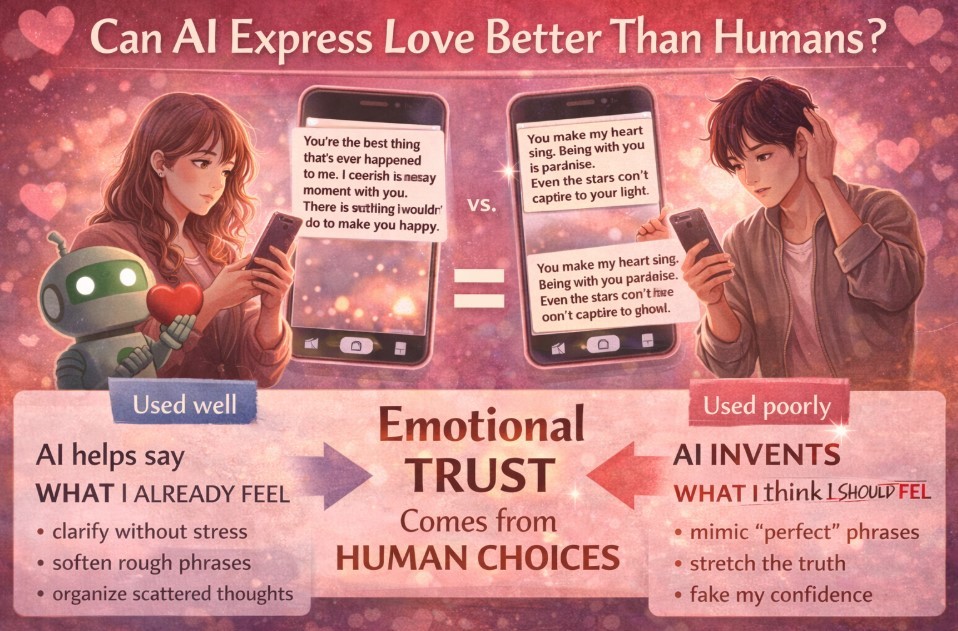
Read more: Can AI Express Love Better Than Humans? A Valentine’s Day 2026 Experiment
Step 1: Choose the right kind of Valentine short video
Before opening any AI tool, decide what story you’re telling. Most Valentine videos fall into one of these formats.
Option A: Animated photo moment (most common)
What it is
A single photo (real or AI-generated) animated with subtle motion: walking, smiling, rain, city lights.
Best for
-
Private sharing
-
First Valentine together
-
Low-effort but emotional impact
Option B: Mini love story (most emotional)
What it is
A short sequence showing a feeling or journey: distance → closeness, silence → warmth.
Best for
-
Long-term couples
-
Milestone Valentines
-
When you want storytelling, not just visuals
Option C: Video message with voice or avatar (direct and personal)
What it is
A short spoken message delivered by you or an AI avatar, often paired with visuals.
Best for
-
Long-distance relationships
-
Clear verbal expression
-
People who want words + visuals together
Read more: Valentine’s Day 2026: How AI Is Redefining Romance (Without Killing the “Real” Feeling)
Step 2: Pick the right AI tool (based on your goal)
Best for cinematic text-to-video
Runway
Website: runwayml.com · Country: USA
Use Runway if
-
You want a cinematic, film-like feel
-
You’re creating a short “scene,” not just animation
-
You’re comfortable writing prompts
Why it works
Runway’s newer models focus on realistic motion, lighting, and mood—key elements for emotional Valentine videos.
Best for fast image-to-video animation
Pika
Website: pika.art · Country: USA
Use Pika if
-
You already have a photo or AI image
-
You want results fast
-
You’re aiming for Reels or TikTok
Why it works
Pika excels at turning still images into short, expressive clips with minimal setup.
Best for social-ready editing and trends
CapCut
Website: capcut.com · Country: China (ByteDance)
Use CapCut if
-
You want viral-friendly formatting
-
You rely on templates, captions, and music
-
You post directly to TikTok or Instagram
Why it works
CapCut bridges AI generation and social trends, making videos feel native to platforms.
Best for spoken Valentine messages
Synthesia
Website: synthesia.io · Country: UK
Use Synthesia if
-
You want a spoken message without filming yourself
-
You prefer clarity over visuals
-
You’re sending the video privately
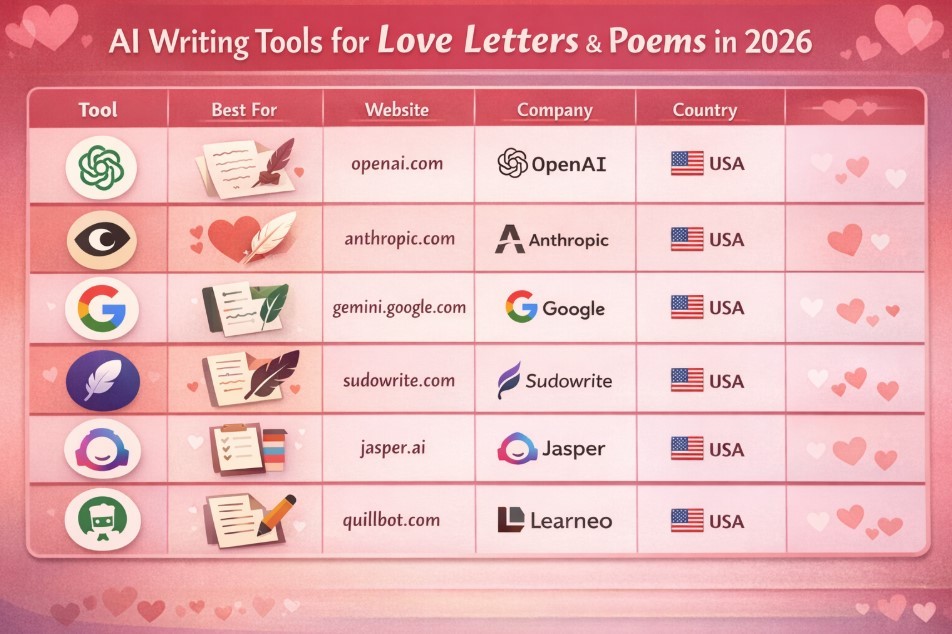
Read more: 6 Best AI Tools for Love Letters and Poems
Step 3: Use prompts that actually create emotion
AI video prompts work best when they’re simple and focused.
Example prompt (cinematic scene)
“A warm, intimate scene of a couple walking together at night, soft city lights, gentle motion, romantic and calm mood, cinematic lighting.”
Example prompt (animated photo)
“Animate this image with subtle movement, soft lighting, romantic atmosphere, slow and natural motion.”
Tip
If the result feels artificial, reduce adjectives. Emotion comes from restraint, not overload.
Step 4: Add sound and text (this is where it becomes Valentine)
A silent video feels unfinished.
Add one of the following:
-
Soft instrumental music
-
A trending romantic audio (low volume)
-
One short caption (8–12 words max)
Good caption examples
-
“This is how being with you feels.”
-
“Every day is quieter and better with you.”
-
“Us, in every version of the future.”
Avoid explaining the whole relationship. Let the visuals do most of the work.
Step 5: Export correctly for Reels & TikTok
Use these settings unless you have a reason not to:
-
Aspect ratio: 9:16
-
Length: 10–30 seconds
-
Resolution: 1080p
-
Format: MP4
Shorter almost always performs better.
Common mistakes to avoid❌ Trying to tell too much story ❌ Using overly dramatic text ❌ Choosing loud or distracting music ❌ Over-editing transitions ❌ Posting without context or caption The best Valentine videos feel simple, intentional, and honest. |
Privacy and trust checklist
-
Don’t upload sensitive personal footage
-
Avoid using private conversations as prompts
-
Be careful with AI avatars that resemble real people
-
Use platforms with clear data policies
A Valentine gift should feel safe, not invasive.
Final takeaway
AI didn’t make Valentine videos easier by automating love.
It made them easier by lowering friction.
In 2026, you don’t need editing skills or perfect footage. You just need:
-
one idea
-
one image
-
one feeling you want to express
Everything else can be built around that.