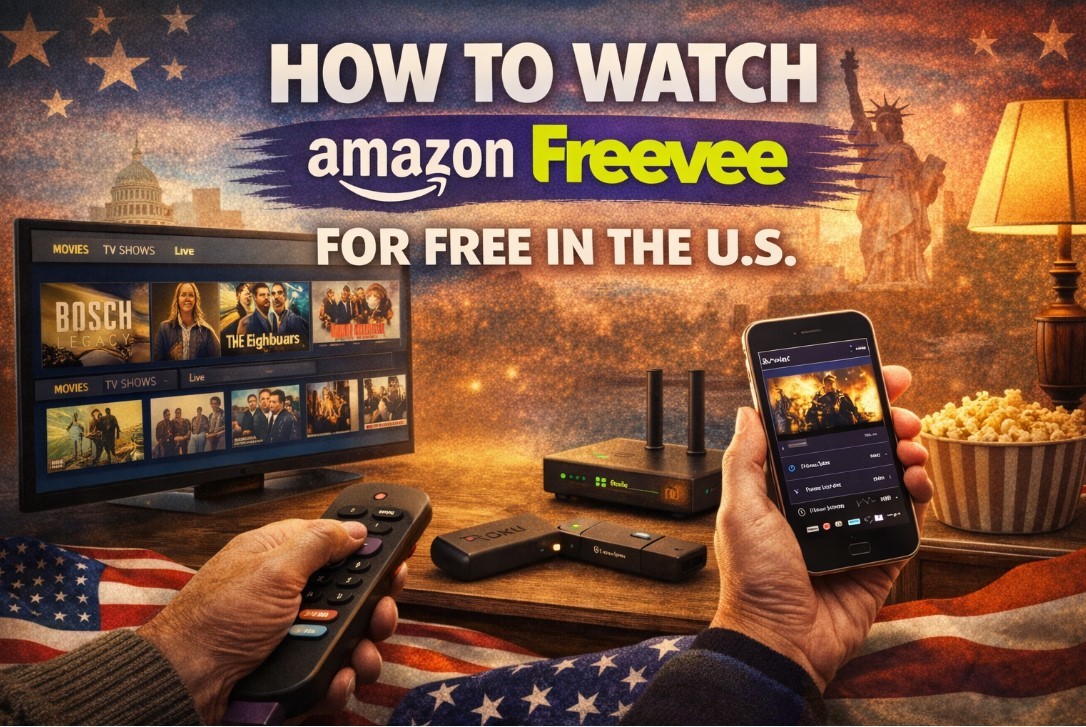
How to Watch Amazon Freevee Outside the US for Free?

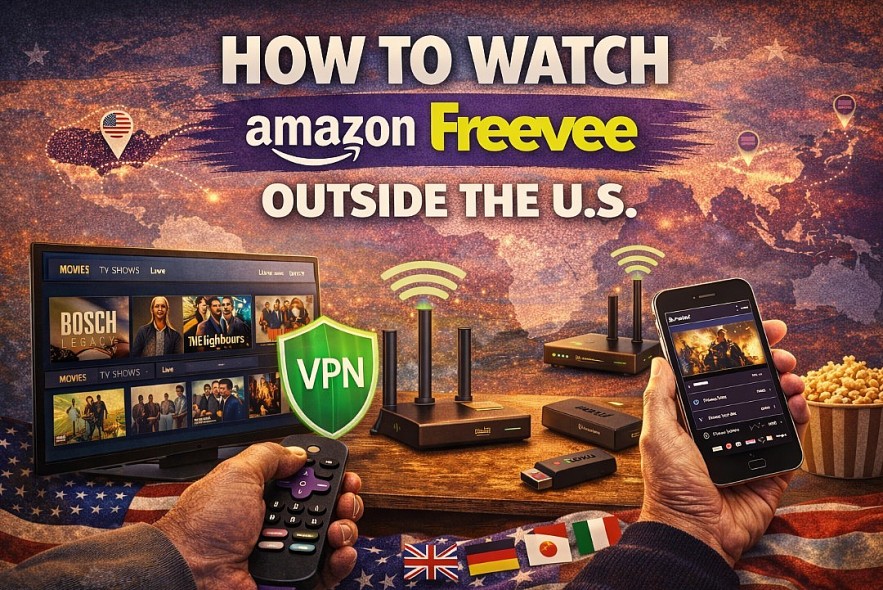 |
| Watch Amazon Freevee outside the US |
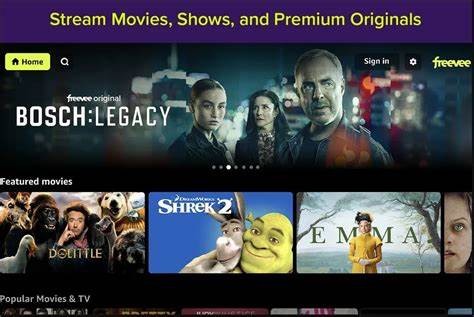
Amazon Freevee is one of the best free streaming services available in the United States, offering movies, TV shows, live channels, and exclusive originals without requiring a paid subscription. However, if you try to access it from outside the US, you’ll quickly run into geo-restrictions.
Why Amazon Freevee Is Blocked Outside the US
Amazon Freevee licenses most of its content for US-only distribution. To comply with these licensing agreements, Amazon restricts access based on your IP address.
When accessing Freevee from another country, you may experience:
-
The Freevee section not appearing at all
-
Playback errors
-
Automatic redirection to Prime Video only
-
Messages stating content is unavailable in your region
These restrictions apply across web browsers, mobile apps, and smart TV platforms.
Read more: How to Watch Amazon Freevee for Free in the US: Guide to Free Movies, Live TV, and Originals
Can You Watch Amazon Freevee Outside the US?
Yes — but not directly.
To access the full Freevee library from abroad, you need a way to make Amazon think you’re connecting from within the United States. The most common and reliable solution is using a VPN with US servers.
Method 1: Use a VPN (Most Reliable Option)
How a VPN Helps
A VPN routes your internet connection through a server in another country. When you connect to a US server, Amazon sees a US-based IP address, allowing access to Freevee.
Step-by-Step: Watch Amazon Freevee With a VPN
-
Choose a VPN that offers multiple US server locations
-
Install the VPN app on your device
-
Connect to a US server
-
Open amazon.com or the Prime Video app
-
Navigate to the Freevee section and start streaming
This method works best on:
-
Laptops and desktops
-
Smartphones and tablets
-
Streaming sticks (with extra setup)
What to Look for in a VPN for Freevee
Not all VPNs work well with streaming. For the best experience, choose one that offers:
-
Reliable US servers
-
Fast speeds for HD streaming
-
Apps for multiple devices
-
No data limits
Free VPNs often struggle with streaming and may cause buffering or playback blocks.
Read more:
- Top 5 Free and Legal Websites to Watch TV Shows in the US Without Subscriptions
- Top 15 Free Streaming Services in the U.S. Right Now (No Subscription Required)
Method 2: Watching Amazon Freevee on a TV Outside the US
Roku, Fire TV, and Smart TVs
Most smart TVs and streaming devices do not support VPN apps directly. To watch Freevee on a TV abroad, you’ll need one of the following:
-
A VPN installed on your router
-
A Smart DNS service that supports Amazon
-
A Fire TV device with VPN app support
Once the network is routed through the US:
-
Open Prime Video
-
Select Freevee
-
Stream as if you were in the US
This setup requires more effort but offers the best big-screen experience.
Do You Need an Amazon Account?
Yes. Regardless of location, Freevee requires a free Amazon account.
Important notes:
-
You do not need Amazon Prime
-
No credit card is required for Freevee
-
Your account region does not usually block Freevee, but your IP location does
Using a US IP address is the key requirement.
Streaming Quality Outside the US
Streaming quality depends on:
-
VPN speed and stability
-
Distance to the US server
-
Local internet connection quality
Tips for smoother playback:
-
Choose a US server closest to your location
-
Use wired internet when possible
-
Avoid peak streaming hours if buffering occurs
With a good VPN, HD streaming is usually achievable.
Is It Legal to Watch Amazon Freevee With a VPN?
VPN use is legal in many countries, but:
-
Some regions restrict or regulate VPN usage
-
Streaming services may prohibit VPN use in their terms of service
Users should always:
-
Check local laws regarding VPNs
-
Review Amazon’s terms of service
-
Take responsibility for how they access content
Common Issues and How to Fix Them
Freevee doesn’t appear
-
Refresh the Prime Video app
-
Switch to another US server
-
Log out and log back into Amazon
Playback errors
-
Clear browser or app cache
-
Try a different device
-
Restart the VPN connection
Slow streaming
-
Change VPN server location
-
Lower video quality temporarily
-
Check local internet speed
Is Amazon Freevee Worth Using Outside the US?
If you enjoy free, ad-supported streaming and want access to US-only originals, Freevee can be worth the setup. However, it requires more technical steps than using it inside the US.
Many international users combine Freevee with other free services like The Roku Channel or Pluto TV to expand their viewing options.
Final Verdict
Amazon Freevee is officially a US-only service, but with the right tools, it can be accessed safely from abroad. A reliable VPN, a free Amazon account, and a stable internet connection are all you need to enjoy Freevee’s movies, live TV, and exclusive originals outside the US.
For travelers, expats, and international viewers, it’s a practical way to stay connected to American free streaming without paying subscription fees.